




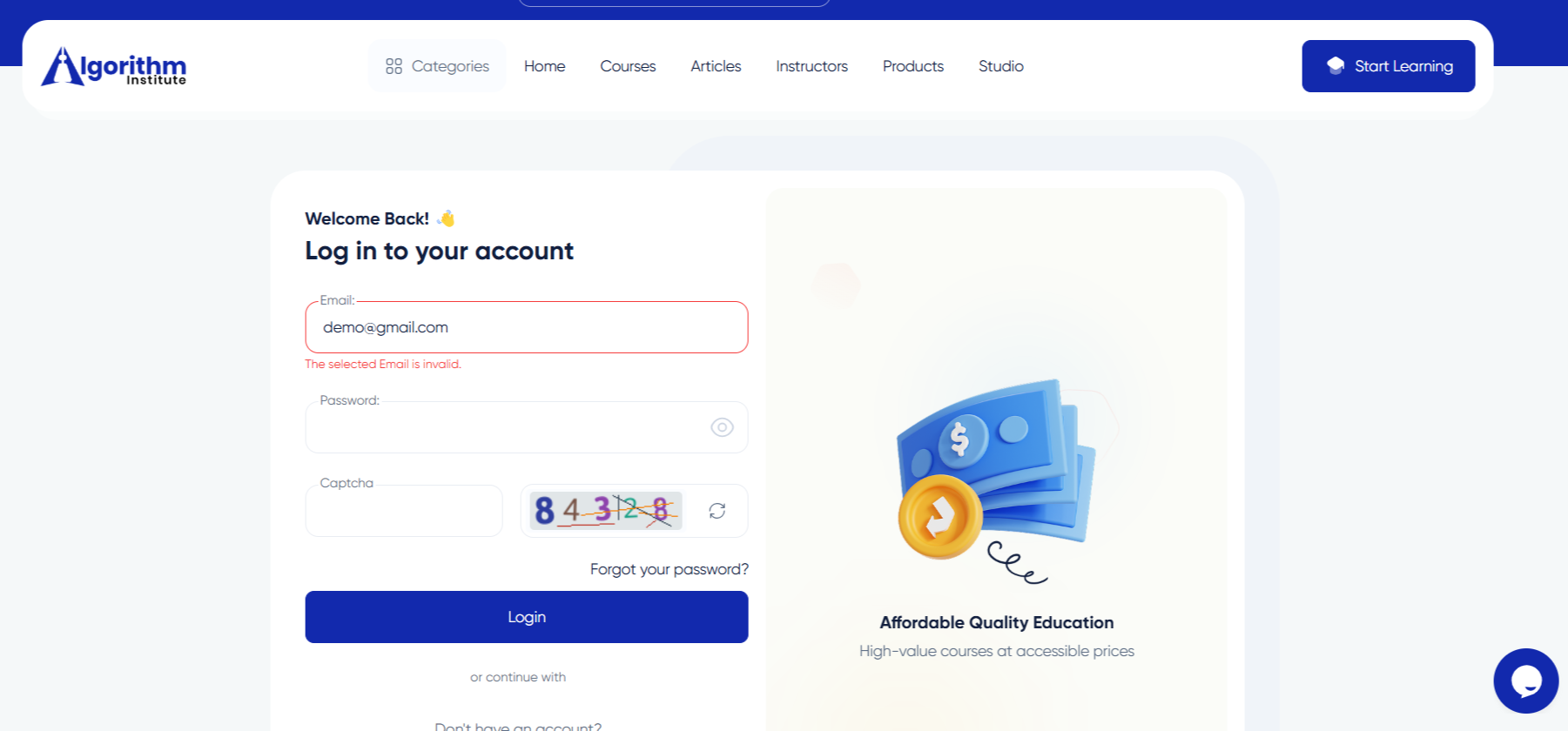

Troubleshooting Login Problems on Algorithm Institute
Being unable to log in can be frustrating. Most login issues have simple solutions you can apply without waiting for support.
Check Your Internet Connection
A weak connection can prevent the login page from loading. Try refreshing or visiting another website to confirm connectivity.
Verify Your Credentials
Double-check your email and password. Passwords are case-sensitive. Use the "Forgot Password" link if unsure about your password.
Clear Browser Cache and Cookies
Old cached data can interfere with login. Clear your browser cache and cookies, close and reopen the browser, then try again.
Try a Different Browser or Device
Try logging in using Chrome, Firefox, or Edge. If that works, the issue is with your original browser settings or extensions.
Disable Browser Extensions
Ad blockers, privacy extensions, and VPNs can block login. Disable them temporarily and reload the page.
Check for Account Restrictions
Your account may be temporarily locked due to multiple failed login attempts. Wait 15-30 minutes before trying again.
Contact Support
If nothing works, contact Algorithm Institute support with your registered email and a description of the issue.








Reply to Comment