





Viewing Your Completed Courses on Algorithm Institute
Your completed courses represent your growing skill set. Algorithm Institute provides a dedicated section to review finished courses, access certificates, and revisit materials.
Finding Completed Courses
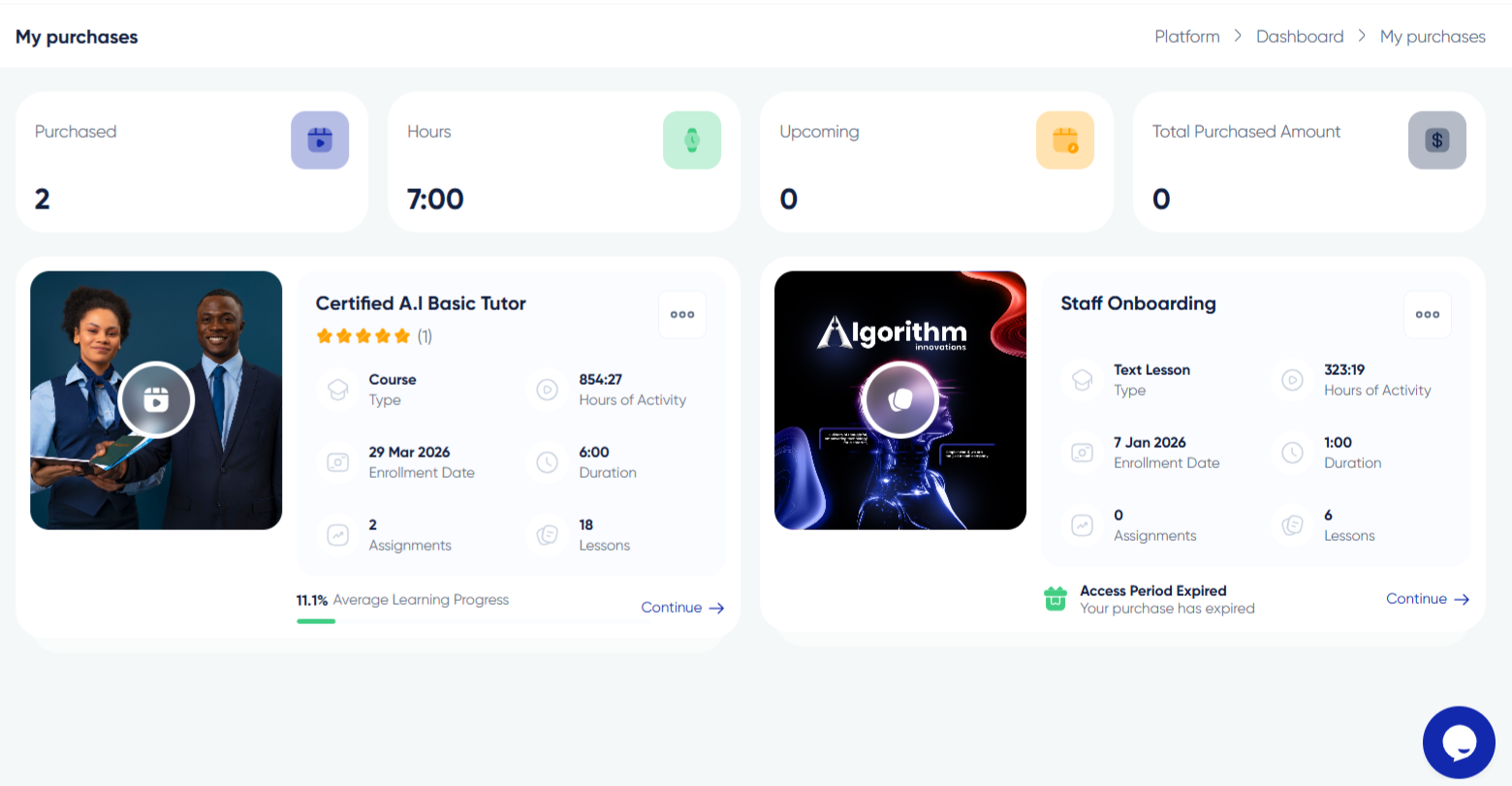
Log in and navigate to "My Purchases." Use filter options to show only completed courses. A toggle or dropdown lets you switch between "In Progress," "Completed," and "All Courses."
What You See
Each completed course card displays the title, instructor name, completion date, grade if applicable, and a certificate download link. Cards typically sort by completion date with most recent first.
Accessing Materials After Completion
Completing a course does not revoke access. You can still open courses, review lessons, watch videos, and download resources. This is useful for refreshing knowledge before interviews or revisiting concepts.
Retaking Courses
If you want to retake a course for a better grade or refresh knowledge, check if re-enrollment is allowed. Some courses permit unlimited access while others require re-enrollment after significant updates.
Sharing Your Completed Courses
Share your completed courses with employers or on social media. Algorithm Institute offers a shareable profile link displaying completed courses and certificates. Export a PDF transcript for formal purposes.
Celebrating Milestones
Algorithm Institute awards badges for completing a certain number of courses or courses in multiple categories. Check your achievements page for unlocked recognition.








Reply to Comment