




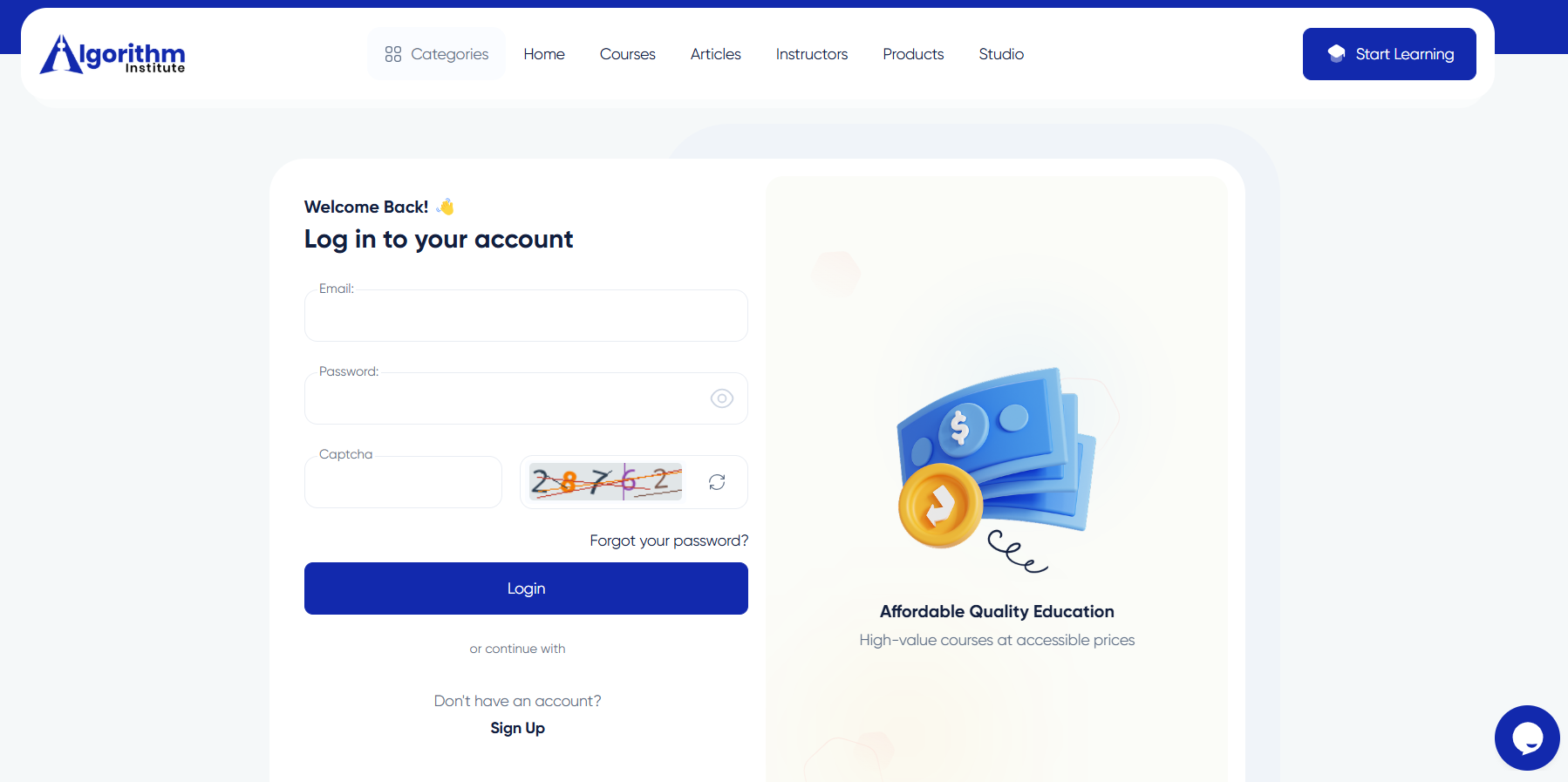

Logging Into Your Algorithm Institute Dashboard
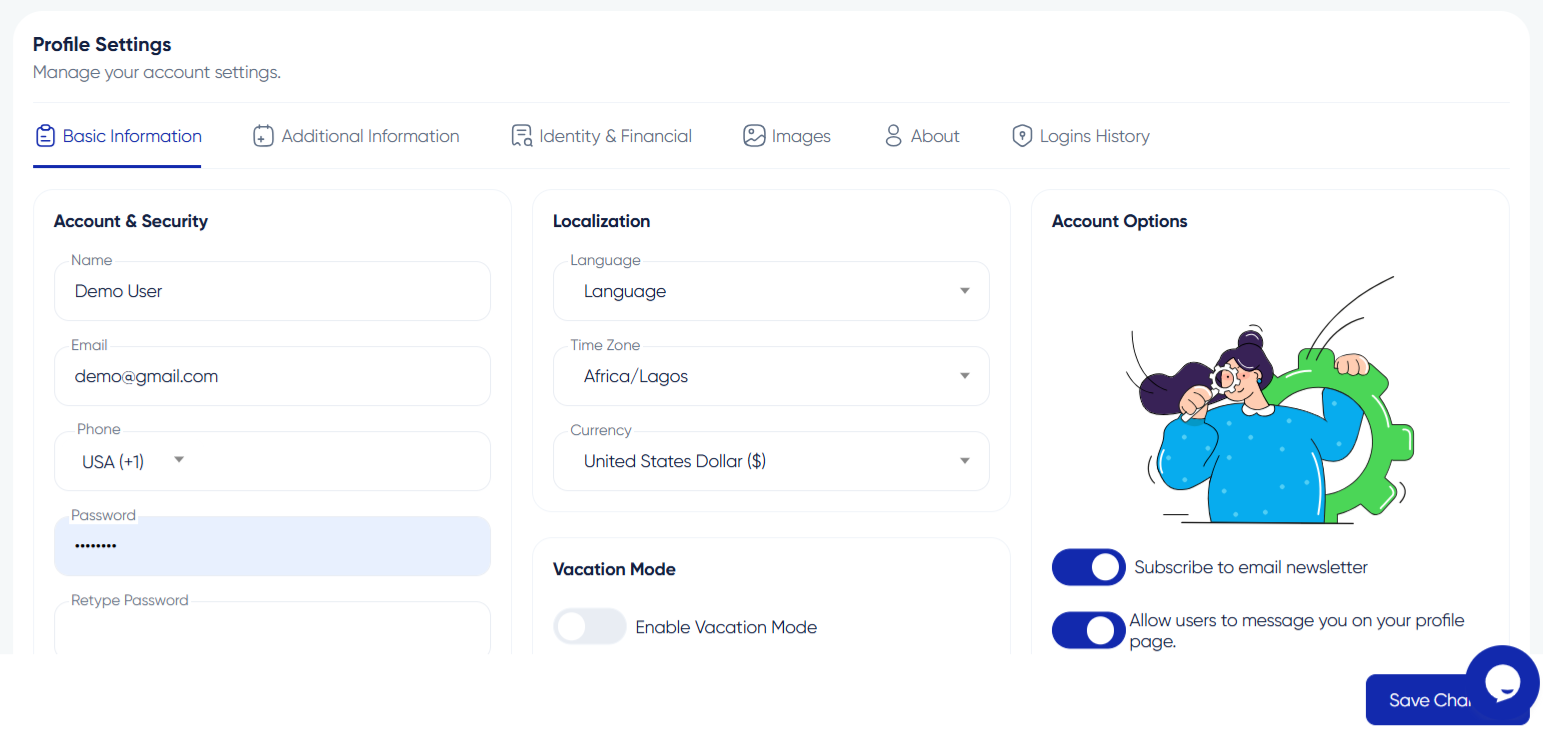
Your dashboard is the command center of your Algorithm Institute experience. It shows enrolled courses, progress tracking, notifications, and account settings all in one place. Knowing how to access it efficiently saves time every day.
Before You Log In
Make sure you have completed account registration and email verification. You will need your registered email address and the password you created during sign-up. If you signed up using Google authentication, you can use that same method to log in.
Step 1: Visit the Login Page
Go to the Algorithm Institute website and click the "Log In" button in the upper-right corner. You will be redirected to a secure login page.
Step 2: Enter Your Credentials
Type your registered email into the email field and your password into the password field. Check that Caps Lock is off since passwords are case-sensitive. On personal devices, you can check "Remember Me" to stay logged in between sessions.
Step 3: Two-Factor Authentication (If Enabled)
If you have enabled two-factor authentication, enter the verification code sent to your mobile device or authentication app.
Step 4: Explore Your Dashboard
After logging in, your dashboard displays My Courses, Learning Progress, Upcoming Deadlines, and Recommended Content. Use the sidebar menu to navigate between platform areas.
Step 5: Log Out When Finished
For security, especially on shared computers, always log out. Click your profile picture and select "Log Out" from the dropdown menu.
Troubleshooting Login Issues
If you cannot remember your password, use the "Forgot Password" link. For persistent issues, contact Algorithm Institute support.







Reply to Comment