




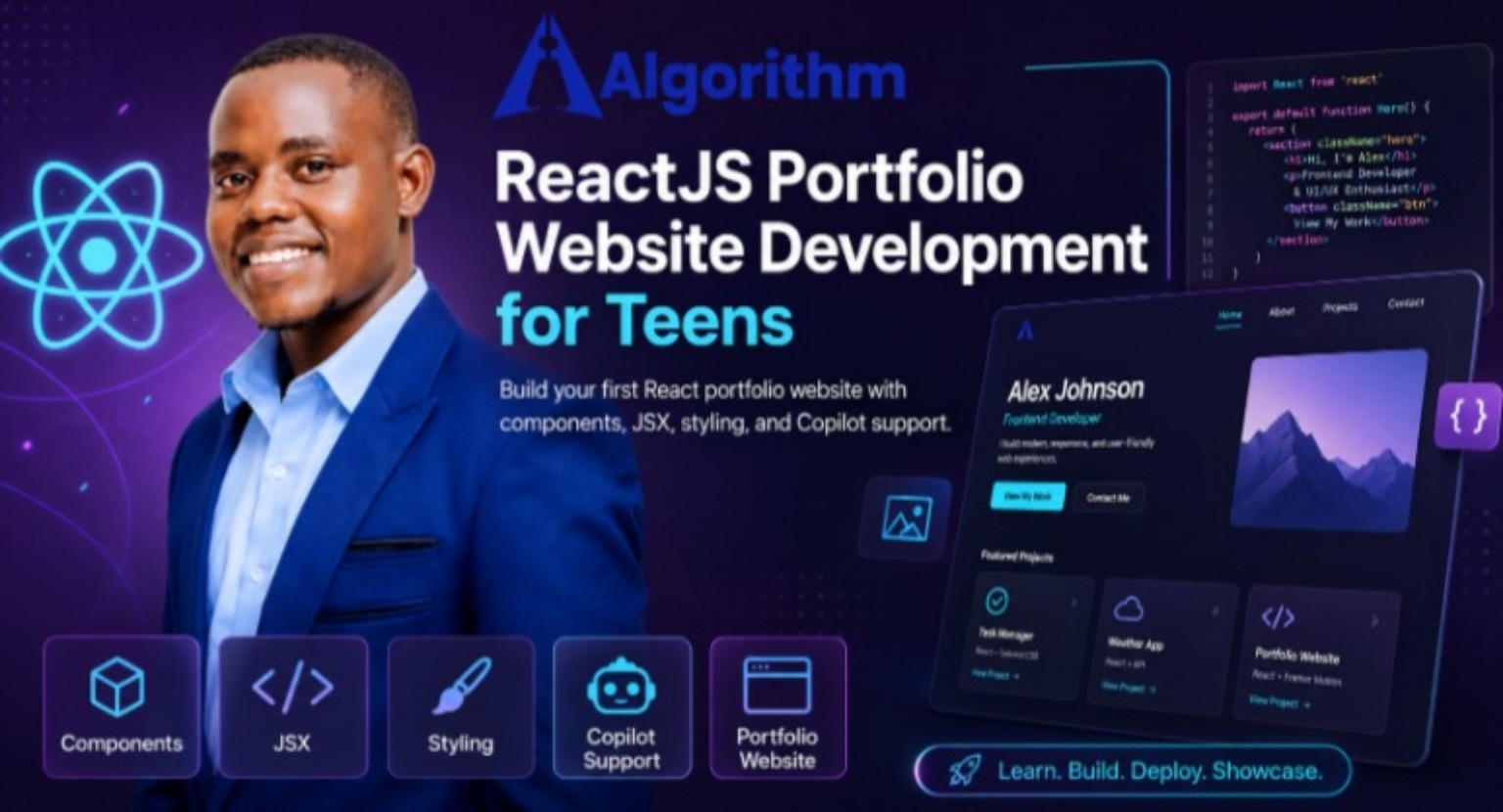
ReactJS Portfolio Website Development for Teens
ReactJS Portfolio Website Development for Teens is a beginner-friendly, project-based course that teaches teenagers how to build a modern, responsive portfolio website using ReactJS. Throughout the course, students learn the fundamentals of React, component-based development, JSX, CSS styling, responsive layouts, navigation, and professional UI design. By following practical, step-by-step lessons, learners create a complete personal portfolio that showcases their skills, projects, and achievements while gaining real-world frontend web development experience.

Instructor
About This Course
ReactJS Portfolio Website Development for Teens is a comprehensive beginner-to-intermediate course designed to introduce teenagers to modern frontend web development through hands-on learning and real-world projects. The course takes students on a structured journey from understanding the fundamentals of ReactJS to developing a fully functional, responsive, and professionally designed portfolio website that can be used to showcase their skills and projects.
Throughout the course, students learn the core concepts of React development, including components, JSX, props, project organization, and reusable component architecture. They discover how modern web applications are built using React and how breaking applications into reusable components makes development more efficient and maintainable. As learners progress, they apply CSS and CSS Modules to style their applications, creating visually appealing interfaces with consistent colors, typography, spacing, and branding. They also explore design systems, accessibility principles, and responsive design techniques that are widely used by professional frontend developers.
This course is designed for teenagers, secondary school students, beginner programmers, coding club members, and anyone interested in learning modern web development with little or no previous React experience. Basic knowledge of HTML, CSS, and JavaScript is helpful but not required, as concepts are introduced progressively through practical examples and guided activities.
During the course, students develop valuable technical skills, including React component development, JSX syntax, CSS styling, CSS Modules, responsive web design using Flexbox and CSS Grid, navigation development, image optimization, accessibility best practices, debugging techniques, testing, and frontend project organization. They also gain problem-solving, logical thinking, and user interface design skills that prepare them for more advanced web development studies.
Students complete several practical projects while building their personal portfolio website. They create reusable components such as the Hero, About, Skills, Projects, Contact, Navigation, and Footer sections before assembling them into a polished single-page React application. Along the way, they design modern cards, interactive buttons, responsive layouts, smooth navigation, and attractive visual interfaces that reflect professional development standards.
By the end of the course, students will have produced a professional ReactJS portfolio website that showcases their personal profile, technical skills, projects, and contact information. They will understand modern frontend development workflows, apply industry best practices in responsive web design and accessibility, confidently test and debug React applications, and possess a solid foundation for advancing to more complex React applications and full-stack web development. In addition to completing a professional portfolio, learners will gain practical experience, confidence, and a strong understanding of the tools and techniques used by today's frontend developers.
FAQ
Check the frequently asked questions about this course.
Alfred Makura

Curriculum Overview
This course includes 4 modules, 19 lessons, and 0 hours of materials.
This lesson introduces students to ReactJS, a powerful JavaScript library used to build fast, interactive, and modern user interfaces for websites and web applications. Students learn what ReactJS is, how it was developed, and why it has become one of the most popular frontend technologies in the software industry. The lesson explains the concept of component-based development, showing how developers can create reusable pieces of user interfaces that simplify application development and maintenance.
Students explore the key advantages of ReactJS, including its ability to build dynamic single-page applications, improve performance through the Virtual DOM, and promote code reusability and scalability. The lesson also examines why many leading technology companies use React to develop large-scale applications and how React enables developers to create responsive, maintainable, and user-friendly websites more efficiently than traditional web development approaches.
Through practical examples and demonstrations, learners compare traditional HTML-based web development with React's component-driven approach, gaining an appreciation of how React simplifies complex user interfaces. By the end of the lesson, students will understand the purpose of ReactJS, recognize its benefits in modern web development, and appreciate why learning React is a valuable skill for anyone pursuing frontend or full-stack software development.
In this lesson, students learn how to prepare their development environment for building React applications. They are introduced to the essential tools required for React development, including Node.js, npm (Node Package Manager), Visual Studio Code, and Vite, which is used to quickly create and run modern React projects. Students gain an understanding of the purpose of each tool and how they work together to support the React development workflow.
The lesson provides step-by-step guidance on creating a new React project, exploring the project folder structure, and understanding the purpose of key files and directories such as package.json, src, public, and node_modules. Students also learn how to start the development server, view their application in the browser, make simple code changes, and observe how React automatically updates the webpage using hot reloading.
By the end of the lesson, learners will have successfully set up a fully functional React development environment, understand the structure of a React project, and be prepared to begin creating components and building their portfolio website. This lesson establishes the technical foundation for the practical development activities that follow throughout the course.
This lesson introduces students to JSX (JavaScript XML), the syntax extension that allows developers to write HTML-like code within JavaScript when building React applications. Students learn how JSX makes it easier to create and manage user interfaces by combining the structure of HTML with the power of JavaScript in a single file. The lesson explains how JSX is transformed into standard JavaScript behind the scenes and why it is an essential part of React development.
Students explore the basic rules of writing JSX, including using a single parent element, embedding JavaScript expressions with curly braces ({}), adding attributes, rendering dynamic content, and applying CSS classes using the className attribute. They also learn how JSX differs from traditional HTML and identify common mistakes beginners make when writing JSX, such as incorrect attribute names, unclosed tags, and multiple root elements.
Through guided examples and practical exercises, learners create simple React components using JSX and experiment with displaying text, variables, images, and lists. They gain confidence in combining JavaScript logic with user interface elements to create dynamic and interactive web pages.
By the end of the lesson, students will understand the purpose and syntax of JSX, apply its rules correctly, and confidently use it to build reusable React components. This knowledge provides the foundation for creating dynamic user interfaces and prepares learners for more advanced React concepts in the lessons that follow.
This lesson introduces students to GitHub Copilot as an AI-powered coding assistant that helps developers write code more efficiently while improving their understanding of programming concepts. Students learn what GitHub Copilot is, how it integrates with Visual Studio Code, and how it can be used responsibly to support—not replace—the software development process.
Learners explore practical ways to use Copilot when developing React applications, including generating React components, writing JSX, creating CSS styles, suggesting JavaScript functions, explaining code, fixing syntax errors, and completing repetitive coding tasks. The lesson emphasizes the importance of writing clear prompts, reviewing AI-generated code for correctness, and understanding the code before using it in a project.
Students also learn best practices for working with AI coding tools, such as verifying suggestions, testing generated code, maintaining clean coding standards, and avoiding overreliance on automated assistance. Through guided demonstrations and hands-on exercises, they practice using Copilot to accelerate development while strengthening their own coding and problem-solving skills.
By the end of the lesson, students will be able to use GitHub Copilot effectively as a coding assistant, generate and refine React code with AI support, evaluate AI-generated suggestions critically, and apply responsible AI-assisted development practices as they build their portfolio website.
The React Foundations & Copilot Mindset quiz is designed to assess your understanding of fundamental React concepts and the collaborative approach fostered by the Copilot mindset. This quiz will challenge your knowledge of React components, state management, and hooks, while also encouraging you to think about how to effectively work with AI tools in your development process. Test your skills and enhance your learning journey in modern web development!
In this lesson, students learn how to create their first React functional component and understand how components form the foundation of every React application. They explore how to build reusable user interface elements, export and import components, and render them within the main application. Students also learn React component naming conventions, project organization, and the benefits of component-based development. By the end of the lesson, learners will have created and displayed their first custom React component, laying the groundwork for building a complete portfolio website using reusable, well-organized components.
In this lesson, students learn how to build a professional Hero Section component, the introductory section that visitors see first when they open a portfolio website. Students create a visually appealing hero area that includes a name, professional title, short biography, profile image, and call-to-action buttons. They apply React component principles and CSS styling techniques to design an engaging, responsive, and accessible hero section that reflects their personal brand. By the end of the lesson, learners will have developed a reusable Hero component that serves as the focal point of their React portfolio website.
In this lesson, students learn how to create the About and Skills components for their React portfolio website. The About component introduces visitors to the student's background, interests, and career aspirations, while the Skills component showcases technical and professional competencies using organized lists, icons, or skill cards. Students practice building reusable React components, displaying structured content, and applying CSS styling to create visually appealing and responsive sections. By the end of the lesson, learners will have developed professional About and Skills components that effectively highlight their personal profile and abilities as part of their portfolio website.
In this lesson, students learn how to create the Projects and Contact components for their React portfolio website. The Projects component showcases completed projects with titles, descriptions, technologies used, and links, while the Contact component provides professional contact information and encourages visitors to connect. Students practice displaying content dynamically, organizing project information clearly, and designing responsive, user-friendly layouts. By the end of the lesson, learners will have built professional Projects and Contact components that effectively highlight their work and make it easy for potential employers, clients, or collaborators to reach them.
This quiz assesses your understanding of the concepts covered in Lessons 1.5–1.8. You will demonstrate your knowledge of creating React components, building a professional Hero section, developing About and Skills components, and implementing Projects and Contact components. The quiz also evaluates your understanding of component reusability, project organization, responsive design, and React best practices as you build a complete portfolio website. Successfully completing this quiz will confirm that you are ready to progress to the next module of the course.
In this lesson, students learn how to apply CSS styling to React components to create visually appealing and well-organized user interfaces. They explore different methods of styling React applications, including importing standard CSS files and using CSS Modules for component-specific styles. Students practice connecting stylesheets to individual components, applying CSS classes with the className attribute, and maintaining consistent design across their portfolio website. By the end of the lesson, learners will be able to style React components effectively, organize CSS files using best practices, and build responsive, professional-looking web pages with clean and maintainable code.
In this lesson, students learn the fundamentals of design systems and how they contribute to creating professional, consistent, and visually appealing web applications. They explore the effective use of color palettes, typography, spacing, and branding to establish a cohesive visual identity for their React portfolio website. Students also learn how to apply reusable design principles that improve consistency, accessibility, and user experience across all components. By the end of the lesson, learners will be able to create a unified design system that enhances the professionalism, readability, and overall appearance of their portfolio website.
In this lesson, students learn how to design and implement professional cards, buttons, and images within their React portfolio website. They explore how these user interface elements improve the visual appeal, usability, and interactivity of web applications. Students practice creating reusable card components to display information, styling attractive and responsive buttons for user interaction, and optimizing images for quality and performance. By the end of the lesson, learners will be able to build visually engaging, accessible, and responsive UI elements that enhance the overall design and user experience of their React applications.
In this lesson, students learn how to create responsive and well-structured web page layouts using CSS Flexbox and CSS Grid. They explore the strengths of each layout method and discover when to use Flexbox for one-dimensional layouts and Grid for more complex two-dimensional page designs. Through practical examples, students organize React components into clean, responsive layouts that adapt to different screen sizes. By the end of the lesson, learners will be able to build professional, responsive portfolio layouts using Flexbox and Grid, enhancing the usability and visual appeal of their React applications.
In this lesson, students learn how to create a clear and intuitive navigation flow for their React portfolio website. They build a navigation bar that links to different sections of the page, enabling users to move seamlessly between the Hero, About, Skills, Projects, Contact, and Footer components. Students also explore techniques such as smooth scrolling, active navigation links, and responsive navigation design to improve usability across desktop and mobile devices. By the end of the lesson, learners will be able to implement a professional navigation system that enhances user experience, accessibility, and the overall structure of their React portfolio website.
In this lesson, students learn how to test and evaluate their React portfolio website to ensure it functions correctly and provides a positive user experience. They explore techniques for identifying and fixing common issues, including layout problems, broken links, styling inconsistencies, and component errors. Students also test their portfolio for responsiveness across different screen sizes, browser compatibility, and accessibility to ensure it meets modern web development standards. By the end of the lesson, learners will be able to systematically test, debug, and refine their portfolio website, producing a polished, professional, and deployment-ready React application.
In this lesson, students learn how to organize and clean their React project by removing unused files, components, styles, and assets created during development. They explore best practices for structuring folders, naming files consistently, and keeping their codebase readable, maintainable, and efficient. Students also review their project for unnecessary code, improve code formatting, and ensure that components and assets are properly organized before final submission or deployment. By the end of the lesson, learners will have a clean, well-structured React project that follows professional development standards and is ready for sharing, assessment, or future enhancement.
In this lesson, students learn how to prepare and submit their completed React portfolio website. They review their project to ensure all components function correctly, the layout is responsive, and the code is clean and well-organized. Students also perform final quality checks and follow best practices for presenting and submitting a professional portfolio. By the end of the lesson, learners will have a polished, submission-ready React portfolio that showcases their skills and reflects industry standards.
In this final assignment, you will apply everything you have learned throughout the course to design, develop, and deploy a professional React Portfolio Website. Using ReactJS, JSX, and CSS, you will create a responsive single-page application that showcases your personal profile, skills, projects, and contact information.
Your portfolio must include all the required components, including a Navbar, Hero, About, Skills, Projects, Contact, and Footer, assembled through App.jsx. You should apply a consistent design system, build responsive layouts, and follow React best practices for component organization, code quality, and reusability.
Once your project is complete, deploy it to a live hosting platform such as Netlify, Vercel, or GitHub Pages, and include a README.md file with your project overview, technology stack, setup instructions, and live website link. Finally, present your portfolio in a short walkthrough, explaining your application structure, key components, design choices, and development process.
This assignment demonstrates your ability to build a modern React application using industry best practices while creating a professional portfolio that showcases your skills and achievements.
Quiz Certificate
Quiz Certificate
Course Certificate
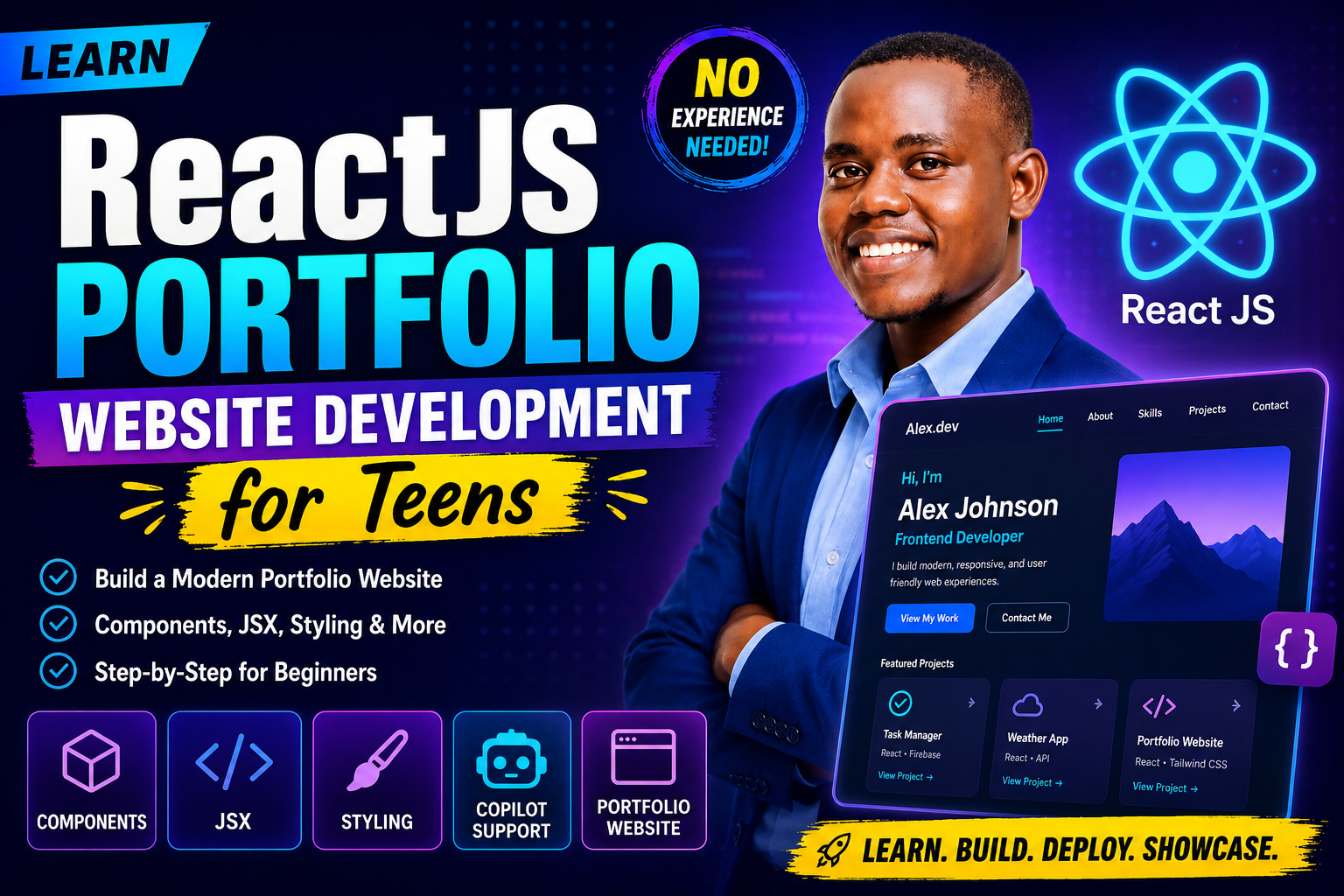
This Course Includes
Course Specifications


Send Course as Gift

Subscribe to Our Newsletter





Reply to Comment