





Certified A.I Basic React Native Mobile Developer

Instructor
About This Course
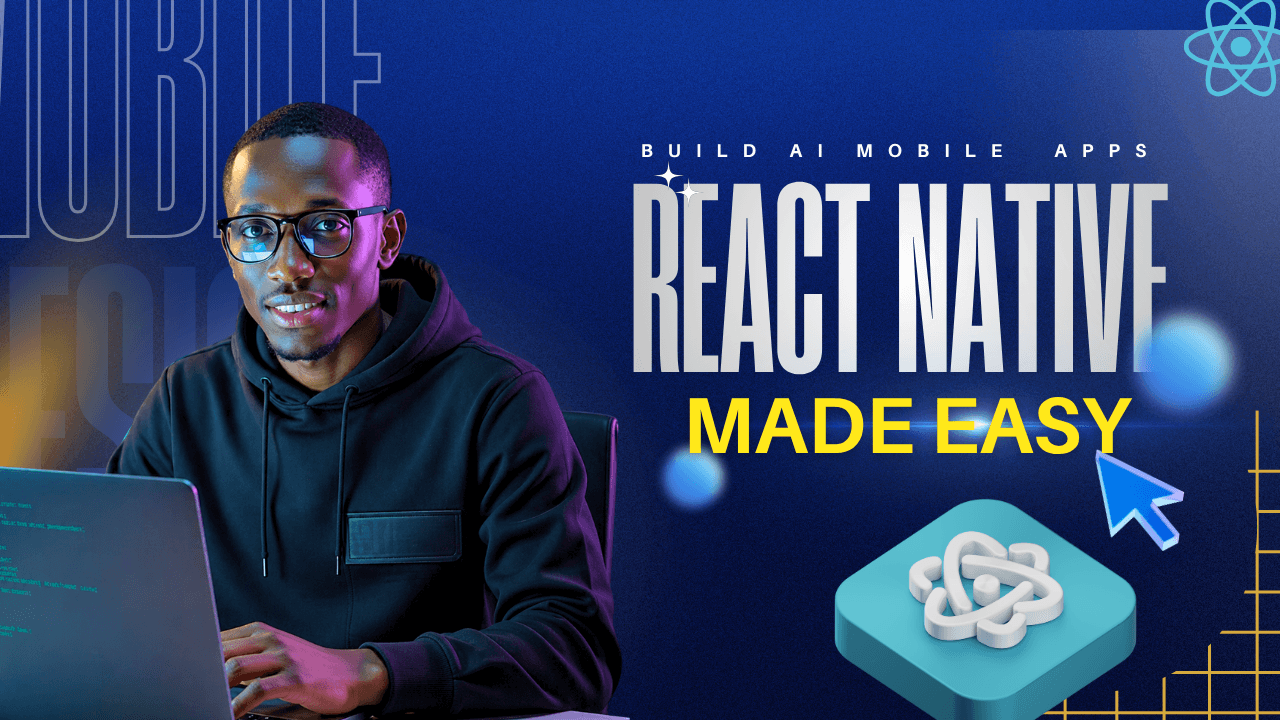
Your first app. Running on your phone. In 4 weeks. Free.
This is your starting line. The Basic Certificate in React Native Development is the entry point to the five-level Algorithm Institute program, designed to take you from zero experience to a working mobile application on your own device.
No coding background? No problem. This course strips away the complexity and meets you exactly where you are. Over 3–4 weeks (at your own pace), you will be guided through 19 hands-on lessons that build upon each other. You’ll learn the fundamental concepts of React Native, from setting up your environment to writing code that comes to life as a real mobile app.
The focus is on action, not theory. You won’t just watch videos; you’ll build. The goal is simple: by the end of the course, you will have created and shared a fully functional app via an Expo Go link—a tangible piece of work you can show anyone, right on your phone.
What Makes This Course Different:
-
Truly Free & Honest: This is a genuine, high-quality foundation. No watered-down content, no hidden costs. It’s a clear, upfront offer: do the work, and earn your place in the next level.
-
Built for Absolute Beginners: Whether you’re 13 or older, if you have a smartphone and a desire to learn, you have everything you need to succeed.
-
No Quiz Threshold: Your progress is measured by completion, not tests. You learn by doing, culminating in one real-world project that proves your new skills.
-
Community & Support: You’re not learning alone. Join a WhatsApp community group to connect with fellow beginners and get support. Two optional live sessions with a patient, experienced tutor are available to help you over any hurdles.
What You’ll Walk Away With:
-
A working mobile app, live on your own phone.
-
A shareable Expo Go link—your first piece of a public portfolio.
-
A Basic Certificate in React Native Development, automatically issued upon completion.
-
The solid foundation needed to confidently tackle every lesson in the Advanced course.
This is the door. The rewards grow as the proof grows. Your journey starts here.
FAQ
Check the frequently asked questions about this course.

Recent Reviews
See what students are saying about the course.
Curriculum Overview
This course includes 4 modules, 21 lessons, and 0 hours of materials.
Difference between native, hybrid, and React Native. Companies using it: Instagram, Facebook, Shopify.
Installing Node, Expo CLI, Scrpcy and the Expo Go app. Solving the most common setup errors.
What JSX is. Creating View and Text. The mental model: components = building blocks. React Native Architecture
StyleSheet.create(), flexbox basics, colours, fonts, margins, padding. Make the app look beautiful.
How to read a red screen. The 5 most common beginner errors. Using the Metro console.
Course Curriculum for Basic Certificate in React Native Development
Making things tappable. Button vs TouchableOpacity vs Pressable. When to use which.
Adding images from local files and URLs. react-native-vector-icons. ScrollView for long content.
Install React Navigation. Use Stack Navigator. Build a 2-screen app with a button that goes to a Details screen.
Send data from Screen A to Screen B using route params. Pass a user's name from Screen 1 to Screen 2 and display it as a greeting.
Applying weeks 1–2 together. Tutor builds a profile card app with 2 screens live.
Ever wished your app could remember what just happened? That is what state does. In this lesson, you will learn the useState hook — the first and most important piece of giving your app a memory. Right now, your app shows things. But it forgets everything immediately. A counter? It resets to zero every time. A toggle? It flips back. That changes today.
Your app needs to listen. TextInput is how. Users type. Your app responds. That is the basic conversation every interactive app has. In this lesson, you will learn how to capture text input, manage it with state, and handle all the little keyboard details that make an app feel polished. A text field that shows your words in real time below the input. Type something. See it appear instantly. Like magic — but it is just state.
Showing and hiding UI based on state. Ternary in JSX. Multiple conditions. Build a login screen that shows "Welcome, [name]!" when name is entered and submitted.
FlatList vs map. keyExtractor. Item separators. Handling empty lists. Render a hardcoded array of 10 items as a stylised list.
useEffect hook. Dependency array. Fetching data on mount (mocked). Cleanup functions. Build a countdown timer using useEffect and useState.
Core concepts of AI/GPT prompting for mobile, introducing the Codex AI coding agent, and how to generate simple UI components using AI. Practice generating a single component (e.g., a button or a text input) using an AI coding agent.
Techniques for translating mobile design specifications (e.g., from Figma or paper wireframes) into usable React Native code using advanced AI prompting. Use AI to generate the JSX and styling for a 2-screen application based on a provided design template.
A comprehensive list of 100 AI prompts for React Native developers covering installation, pages, auth, screens, and basic components. Prompt AI to fix over 100 common issues in React Native.
Final Project Overview
You will build a full, high-fidelity mobile application leveraging AI tools for at least 50% of your codebase—focusing on prompt engineering and iterative refinement.
Key Requirements
-
Multi‑screen navigation – Implement a Stack Navigator with at least 3+ distinct screens
-
State management – Use useState for complex user data or application status
-
Interactive elements – Include text inputs, buttons, and touchable areas
-
Dynamic data display – Use FlatList with local or fetched data
AI‑Driven Workflow
Throughout the process, you will practice:
-
Crafting specific, component‑driven prompts for layout and styling
-
Iteratively refining generated code until it matches your vision
-
AI‑assisted debugging – Paste Metro console errors directly into the AI for quick solutions
This mandatory final quiz serves as a capstone assessment for all core concepts covered throughout the Certified A.I Basic React Native Mobile Developer course. It is designed to test your foundational knowledge in mobile development fundamentals and your applied understanding of AI prompting for code generation.
Course Certificate
Your first app. Running on your phone. In 4 weeks. Free.
This is your starting line. The Basic Certificate in React Native Development is the entry point to the five-level Algorithm Institute program, designed to take you from zero experience to a working mobile application on your own device.
No coding background? No problem. This course strips away the complexity and meets you exactly where you are. Over 3–4 weeks (at your own pace), you will be guided through 19 hands-on lessons that build upon each other. You’ll learn the fundamental concepts of React Native, from setting up your environment to writing code that comes to life as a real mobile app.
The focus is on action, not theory. You won’t just watch videos; you’ll build. The goal is simple: by the end of the course, you will have created and shared a fully functional app via an Expo Go link—a tangible piece of work you can show anyone, right on your phone.
What Makes This Course Different:
-
Truly Free & Honest: This is a genuine, high-quality foundation. No watered-down content, no hidden costs. It’s a clear, upfront offer: do the work, and earn your place in the next level.
-
Built for Absolute Beginners: Whether you’re 13 or older, if you have a smartphone and a desire to learn, you have everything you need to succeed.
-
No Quiz Threshold: Your progress is measured by completion, not tests. You learn by doing, culminating in one real-world project that proves your new skills.
-
Community & Support: You’re not learning alone. Join a WhatsApp community group to connect with fellow beginners and get support. Two optional live sessions with a patient, experienced tutor are available to help you over any hurdles.
What You’ll Walk Away With:
-
A working mobile app, live on your own phone.
-
A shareable Expo Go link—your first piece of a public portfolio.
-
A Basic Certificate in React Native Development, automatically issued upon completion.
-
The solid foundation needed to confidently tackle every lesson in the Advanced course.
This is the door. The rewards grow as the proof grows. Your journey starts here.
Esther Inyang
Anthony M.
David Ohimai
This Course Includes
Course Specifications
Building LLM-Powered Mobile Apps for Startups & Businesses | React Native • Claude API/Open AI • From Zero to Production | Technical Founder & AI PM


Send Course as Gift
Tags

Subscribe to Our Newsletter





Reply to Comment