




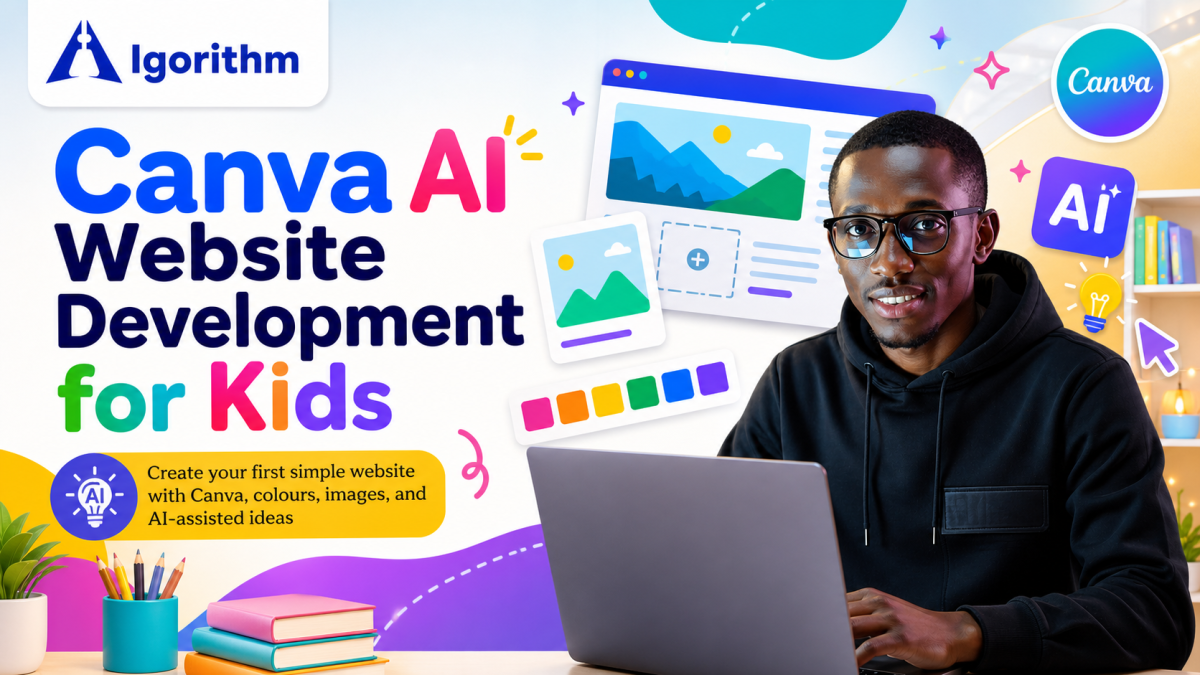
Canva AI Website For Kids
Canva's AI website for kids offers creative tools and templates to make designing fun and easy.

Instructor
About This Course
Does your child love being creative online? Turn that passion into a powerful new skill with our exciting Website Wonder: Build Your First Site with Canva!
This isn't just about learning software; it's about giving your child the tools to share their ideas, projects, or passions with the whole world. We use Canva, the absolute beginner-friendly design champion, making the process purely about creativity and logic, no coding required!
Your young creator will:
-
Decode the Digital World: Go from a casual user to a confident creator, understanding exactly what makes a website tick, from domains to hosting.
-
Master the Art of Visual Storytelling: Learn how to pick stunning color palettes, eye-catching fonts, and the perfect images to make their website truly pop. It's like graphic design, but for the web!
-
Become a Drag-and-Drop Expert: We'll dive deep into Canva’s incredibly intuitive website builder, teaching them all the tricks to create professional-looking layouts in minutes.
-
Navigate like a Pro: Learn the secrets of building a multi-page website that is easy to explore, with a custom navigation menu and buttons that work flawlessly.
-
Go Live! (Safely and Securely): We'll walk them through the magic of publishing their very first, real, live website using Canva's free and secure hosting.
-
Present Like a Founder: The grand finale! Every child will get the chance to present their finished website to the group, boosting their confidence and public speaking skills.
This is a hands-on, project-based course where your child won't just learn how to build a website, they'll finish the course with a published site they are incredibly proud of.
Who is this for? Young creators, aspiring entrepreneurs, and anyone who wants to learn how to make their voice heard online. No prior experience is needed!
Are you ready to unlock your child's digital potential? Sign up today and watch them go from student to website creator.

Curriculum Overview
This course includes 4 modules, 16 lessons, and 0 hours of materials.
In this lesson, kids will learn what a website means. They will understand how websites help people share ideas, pictures, stories, products, and information online. We explain websites in a simple, fun, and child-friendly way. This lesson helps young learners see websites as creative digital spaces. They will also start understanding how Canva and AI can help them design simple website ideas. This course builds creativity, confidence, digital awareness, and early tech skills. Perfect for beginners, young creators, and kids starting their web design journey.
They will learn how templates help them start designing faster. They will also see different website layouts, colors, images, buttons, and creative sections. This lesson helps young learners understand how Canva makes website design simple and fun. Kids will begin to see how a website can start from a ready-made template. They will also learn how AI can support their creative ideas. Perfect for beginners, young creators, and children starting their digital design journey.
Help your child choose a fun website idea using Canva AI. Perfect for young creators ages 5–8! In this lesson, children explore hobbies, interests, and creative ideas for their first website. They learn how to choose a topic they enjoy before designing in Canva.
Teach your child how to use AI safely while planning a fun Canva website. Made for ages 5–8! In this lesson, children learn safe ways to use AI for website ideas. They practice asking for help, checking with parents, and protecting personal information.
In this lesson, kids aged 5 to 8 will learn how to choose fun and readable colors. They will discover how colours make websites look bright, beautiful, and easy to understand. Kids will also learn why some colours work better together. This lesson helps young learners choose colours that make their website clear, friendly, and creative. They will use Canva to explore colour ideas, colour palettes, and simple design choices.
In this lesson, kids aged 5 to 8 will learn how to use fonts, headings, and short text. They will understand why big headings help people know what a page is about. They will also learn why short words make websites easier to read. This lesson helps young learners create simple, clean, and readable website pages. Kids will use Canva to explore font styles, heading blocks, and short text layouts. They will practice making their website clear, beautiful, and easy for everyone to understand.
Kids aged 5 to 8 learn to add images, icons, and shapes in Canva. They explore visual elements that make websites fun, clear, and engaging. They practise building creative layouts using simple drag and drop tools. This lesson helps young learners design more attractive website pages.
In this lesson, Kids aged 5 to 8 learn spacing, alignment, and clean design principles in Canva. They learn how spacing improves readability and structure in websites They practice aligning elements for neat and professional layouts. This lesson builds strong design habits for young creators.
Kids aged 5 to 8 learn how to create a simple home page in Canva. They build headers, sections, and buttons for their first website page. They learn how home pages introduce their website clearly to visitors. This lesson helps children create structured and creative layouts.
Kids aged 5 to 8 learn how to create an About page in Canva. They build simple profiles that describe who they are and what they like. They add images, text, and icons to make their page personal and clear. This lesson helps children express themselves through simple web design.
Kids aged 5 to 8 learn how to create project, hobby, and gallery pages in Canva. They showcase their drawings, hobbies, and creative work in simple layouts. They organize images and content into clean gallery sections. This lesson builds confidence and creativity in young learners.
Kids aged 5 to 8 learn how to add buttons and connect website pages in Canva. They build navigation links between home, about, and gallery pages. They understand how users move through a simple website. This lesson teaches structure, flow, and interactive design basics.
Kids aged 5 to 8 learn how to preview their website in Canva.They check layout, images, text, and buttons before sharing.They learn how to spot mistakes and improve their design. This lesson builds confidence before publishing a website.
Kids aged 5 to 8 learn how to test their website on mobile view in Canva. They check how pages look on phones and different screen sizes. They learn how to fix spacing, layout, and readability issues. This lesson teaches simple testing for better website design.
Kids aged 5 to 8 learn how to publish and share their website safely. They understand what it means to go live on the internet. They learn safe sharing and basic online safety rules. This lesson builds responsibility in young digital creators.
Kids aged 5 to 8 present their first completed website project. They show home, about, and gallery pages with confidence. They explain their design choices and creative ideas. This lesson celebrates learning, creativity, and achievement.
Course Certificate
This Course Includes
Course Specifications
Building LLM-Powered Mobile Apps for Startups & Businesses | React Native • Claude API/Open AI • From Zero to Production | Technical Founder & AI PM


Send Course as Gift

Subscribe to Our Newsletter





Reply to Comment