




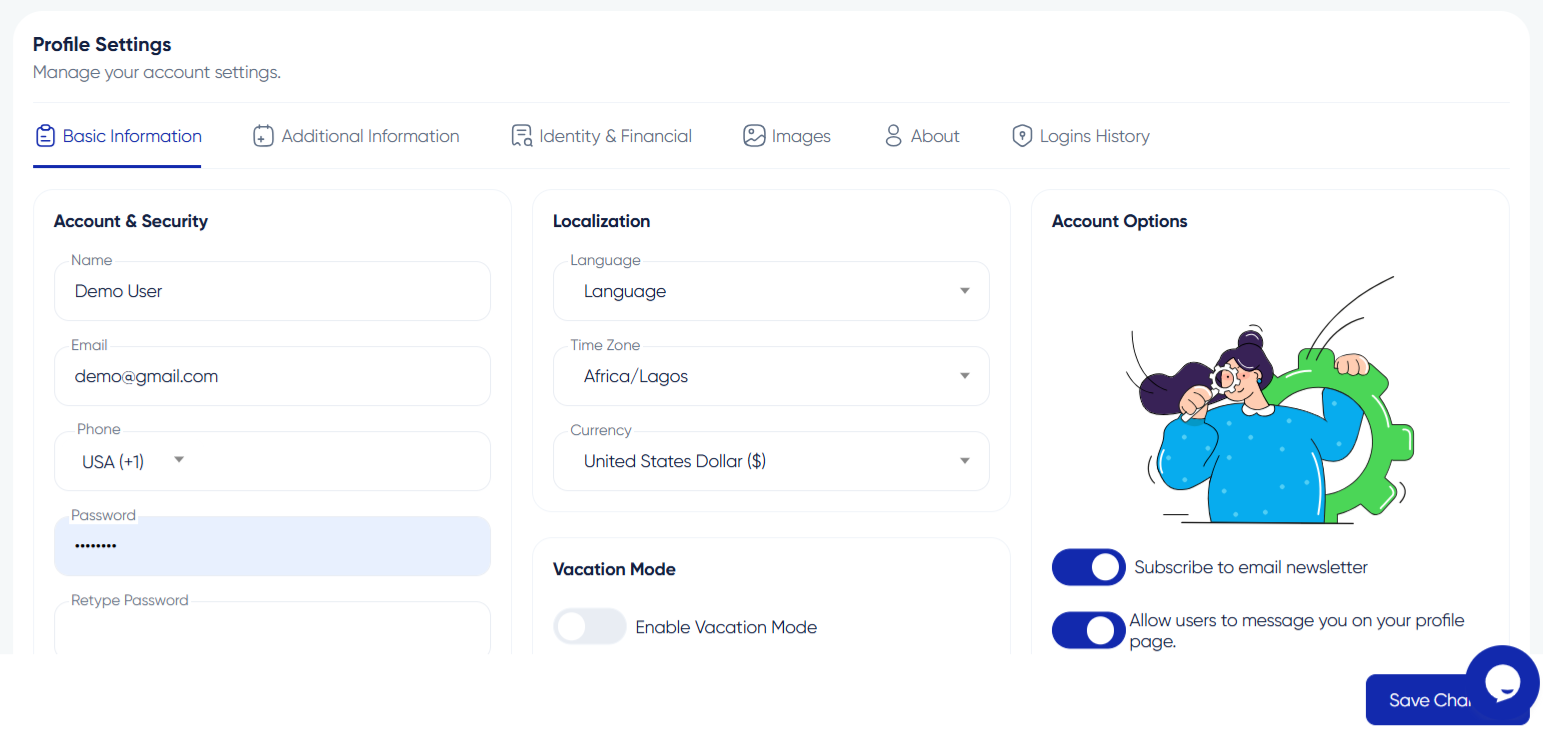

Updating Your Profile Information on Algorithm Institute
Your profile is how other community members see you. Keeping information current helps with networking, mentorship, and ensures certificates reflect your correct details.
Why Keep Your Profile Updated
An updated profile helps tutors and peers recognize you. For tutors, a complete profile builds trust with potential students browsing the catalog.
Step 1: Access Your Profile
Log in and click your profile picture or name in the top-right corner. Select "My Profile" or "Account Settings" from the dropdown.
Step 2: Edit Personal Information
Update your first name, last name, display name, and bio. Your display name appears publicly. Use the bio to describe your learning goals or teaching expertise.
Step 3: Update Contact Details
Update your email, phone number, and social media links. Changing your email requires re-verification. LinkedIn and GitHub links enhance your professional presence.
Step 4: Save Changes
Scroll to the bottom and click "Save Changes." A confirmation message will appear indicating success.
Step 5: Review Public Profile
Click "View Public Profile" to see how others see your information. Make corrections if anything looks off.
Privacy Settings
Control what information is visible through privacy settings. Your email is hidden by default. Review these settings regularly.








Reply to Comment