





Writing Your First Blog Post on Algorithm Institute
Writing your first blog post on Algorithm Institute is an exciting milestone. The platform provides a powerful editor that makes it easy to create, format, and publish content that educates and inspires other learners.
Accessing the Blog Editor
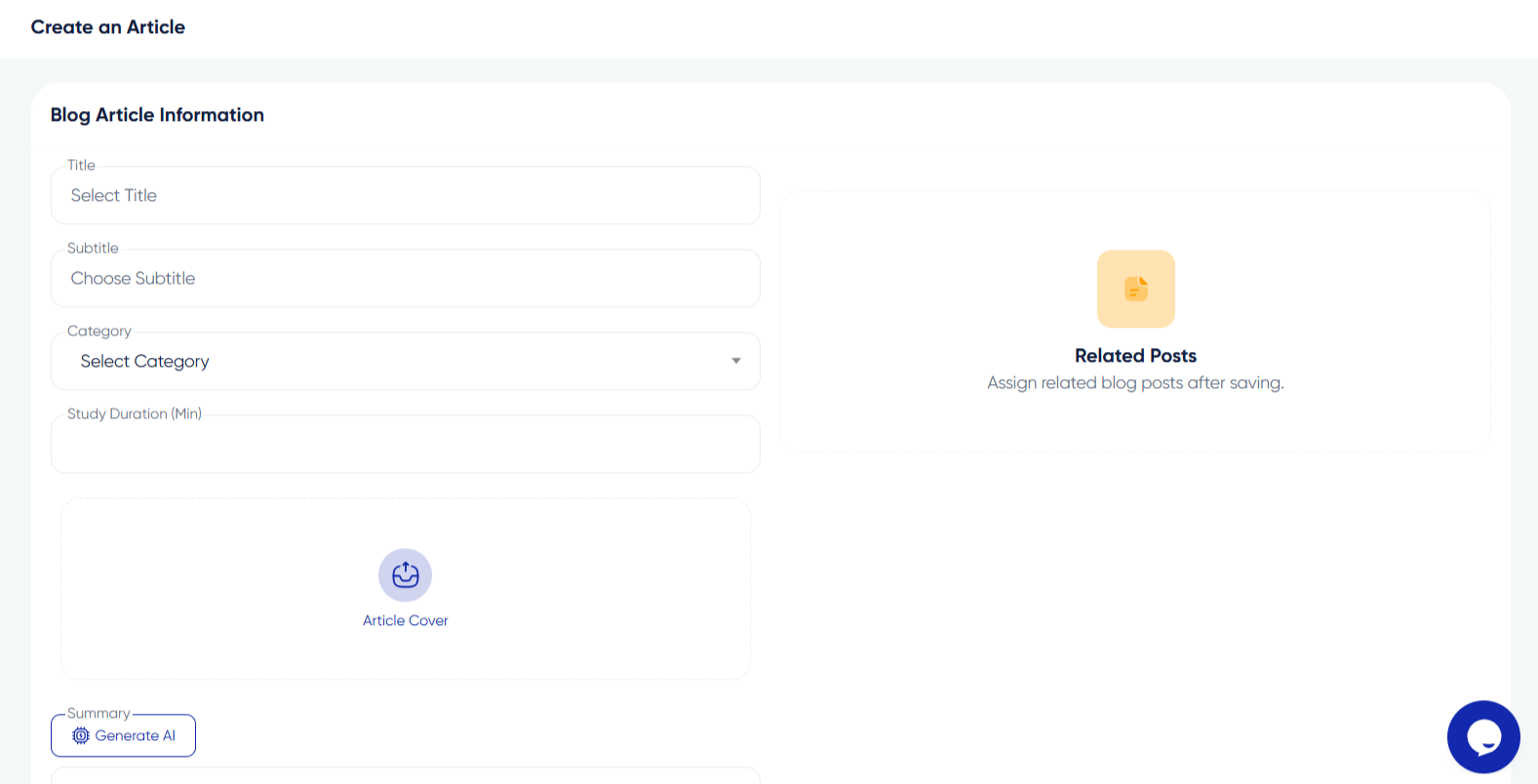
Log into your account and navigate to the blog section from the main menu. Click the "Create New Post" or "Write Article" button to open the editor. The interface includes a title field, content area, sidebar for settings, and publishing options.
Choosing a Topic
Select a topic you are knowledgeable about that would benefit other learners. Think about questions you had while learning and write the guide you wish you had found. Popular categories include tutorials, tips, project walkthroughs, and personal learning journeys.
Structuring Your Post
A well-structured post includes a compelling title, an introduction that hooks the reader, a body divided into clear sections with headings, and a conclusion summarizing key takeaways. Use bullet points and numbered lists to break down complex information. Keep paragraphs short for screen readability.
Writing in the Editor
The blog editor supports rich text formatting including bold, italics, headings, links, and code blocks. Write directly in the editor or paste from another source and format it. Use the preview feature to see how your post will look once published.
Adding Media and Links
Enhance your post with images, embedded videos, and code snippets. Use the media uploader to add images from your computer. Link to relevant courses or resources within Algorithm Institute. External links should open in new tabs.
Setting Categories and Tags
In the sidebar settings, assign your post to relevant categories and add tags. This helps other users find your content through search and filtering. Choose categories matching the main topic and add specific keyword tags.
Saving and Publishing
Save your draft frequently. When ready, click "Publish" to make it visible to the community. You can also schedule posts for future publication to maintain a consistent posting schedule.








Reply to Comment