





Continuing a Course From Where You Stopped on Algorithm Institute
Life often interrupts learning schedules. Algorithm Institute includes features designed to help you resume courses seamlessly so you never lose your place or momentum.
The Resume Feature
When you return to a started course, the platform remembers your last position. On the course card in "My Courses," you will see a "Resume" or "Continue" button. Clicking this takes you directly to the last lesson you were viewing.
Using the Progress Tracker
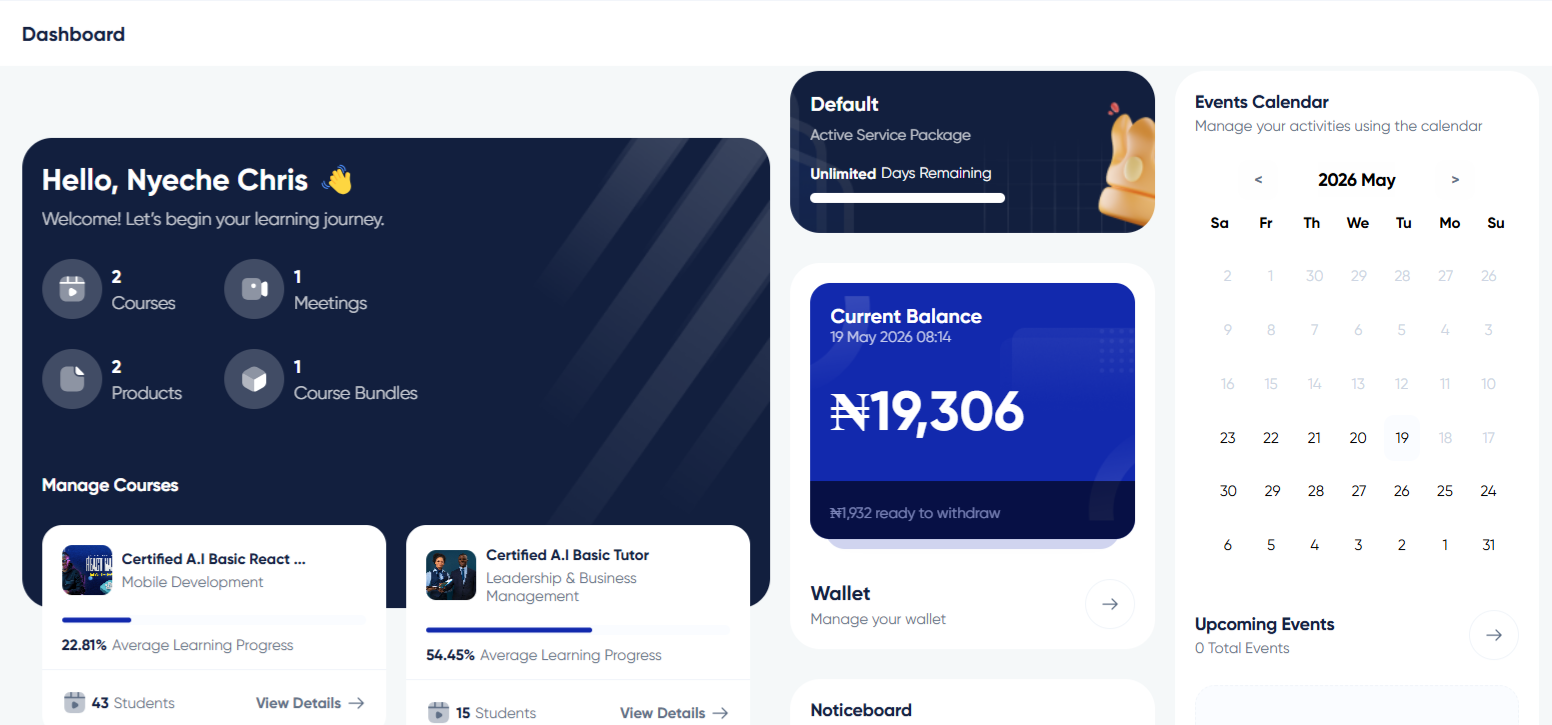
Your dashboard displays a progress bar for each course showing completion percentage. This gives you a quick visual reference. If you have completed 40 percent, you know how much material remains.
Reviewing Completed Sections
Before moving forward, briefly review the last completed section. Completed lessons show a checkmark. Click the last completed lesson to refresh your memory before progressing to the next one.
Bookmarking Important Lessons
If a lesson contains information you want to reference later, use the bookmark feature. Bookmarked lessons appear in a dedicated list in your profile, allowing you to jump directly to them from anywhere on the platform.
Notes and Annotations
Many courses include a notes feature for adding personal annotations to specific lessons. When you resume, your notes appear alongside the lesson content, helping you recall your thoughts from the previous session.
Re-establishing Your Flow
After a long break, start with a lighter lesson to ease back in. Review summaries or key takeaways from previous modules. Set a small goal for your first session back to rebuild your study habit gradually.









Reply to Comment