





Changing Your Password Securely on Algorithm Institute
Regular password changes are good security practice. Algorithm Institute makes the process simple whether for security reasons or a more memorable password.
When to Change Your Password
Change your password immediately if you suspect your account is compromised. Update every few months as a preventive measure. If you used the same password on another site that was breached, change yours right away.
Step 1: Go to Settings
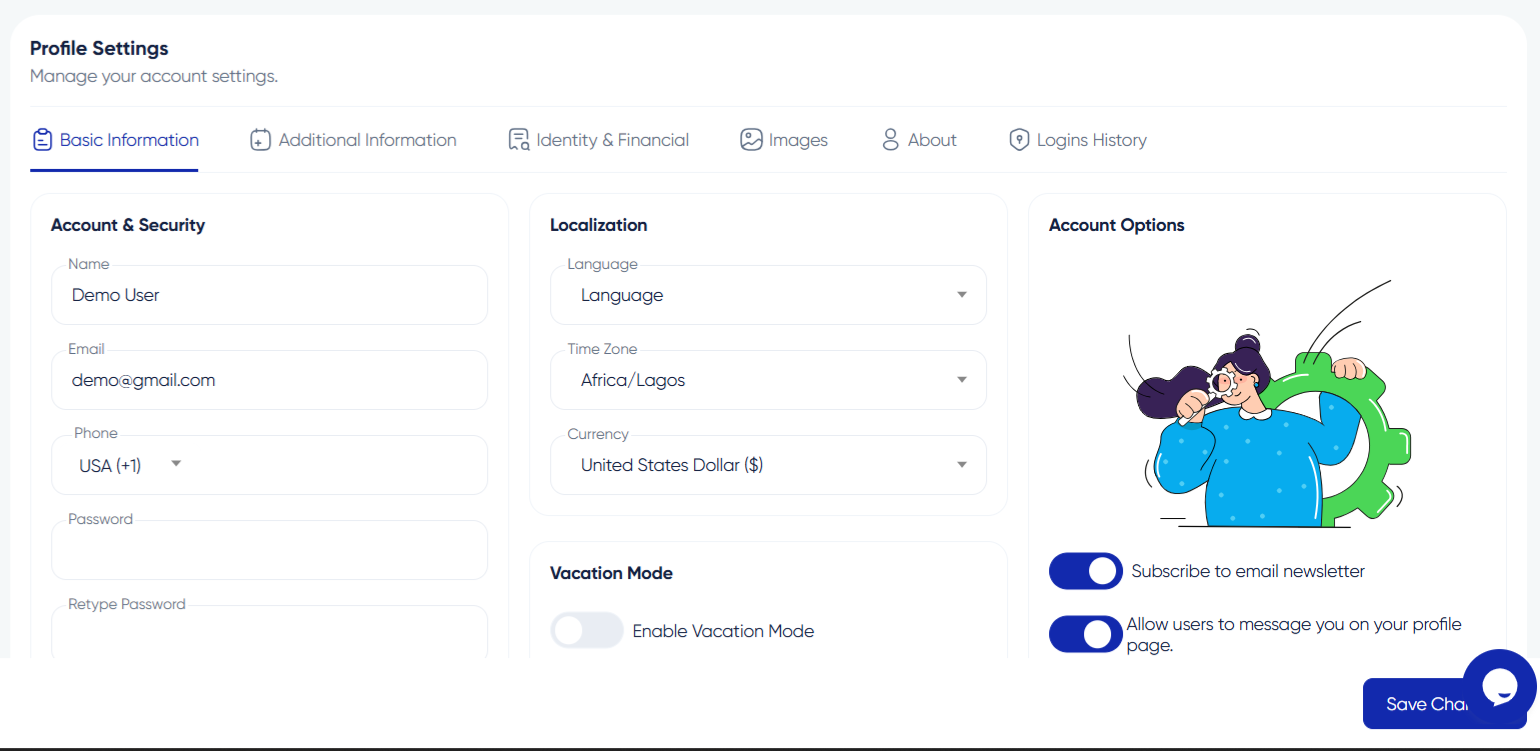
Sign in and navigate to Account Settings or Security. Look for the password section.
Step 2: Authenticate Your Identity
Enter your current password to confirm your identity before allowing a change.
Step 3: Create a New Password
Enter a new password with at least eight characters including uppercase, lowercase, numbers, and special characters. Aim for a "Strong" rating on the strength meter.
Step 4: Confirm and Save
Type the new password again and click "Update Password." You will receive a confirmation email.
Step 5: Update Saved Passwords
If you use a password manager, update the saved entry. You may need to log in again on other devices.
Avoid Common Mistakes
Do not use obvious passwords like "password123" or your birth year. Never reuse passwords across websites or share them via email.








Reply to Comment